◷
Healthy habits
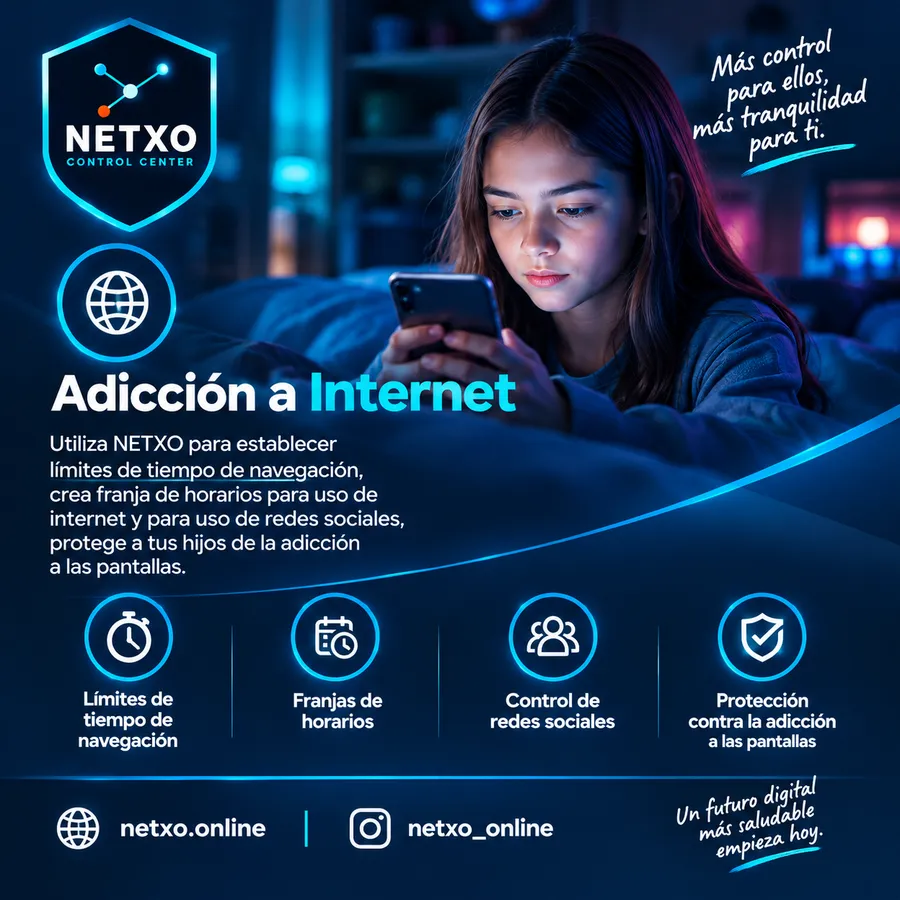
Set connection, rest and social media schedules to help build a balanced digital routine.
NETXO helps you set limits in the digital world without hassle: manage the internet, social media, YouTube, video games and web content, create schedules per device and stay in control wherever you are.
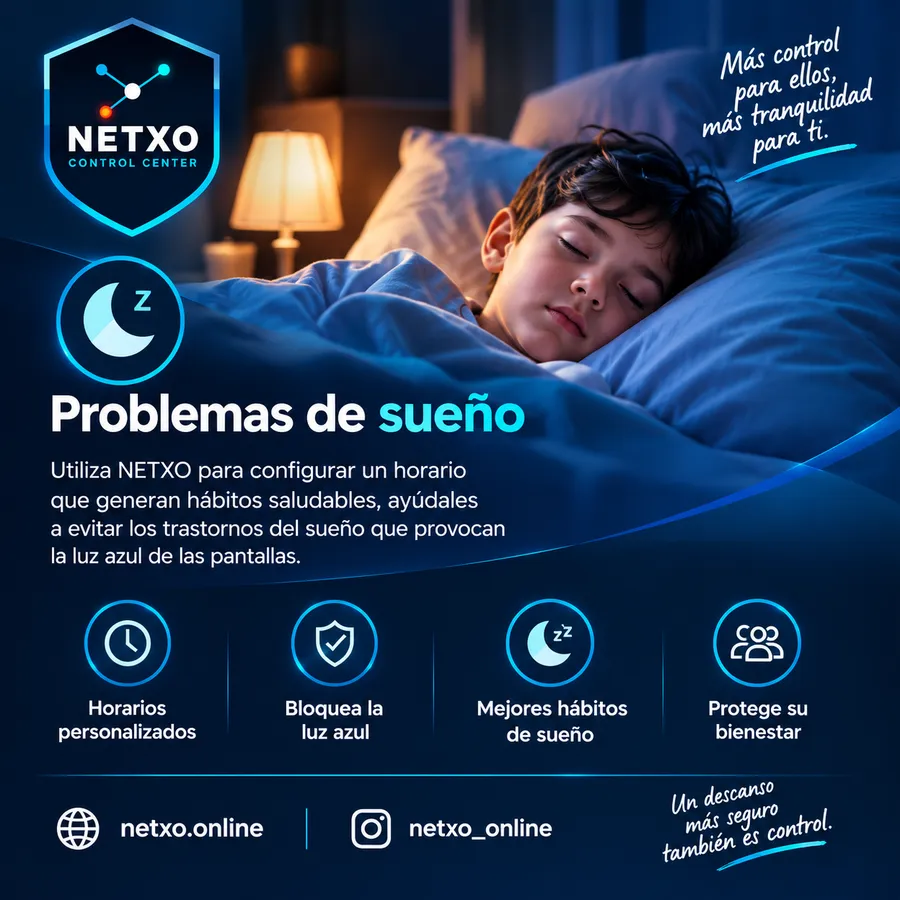
Every child is different. NETXO lets you adapt the rules to their age, their needs and the device they use.
Set connection, rest and social media schedules to help build a balanced digital routine.
Reduce access to social media, YouTube, games and other content during study or rest hours.
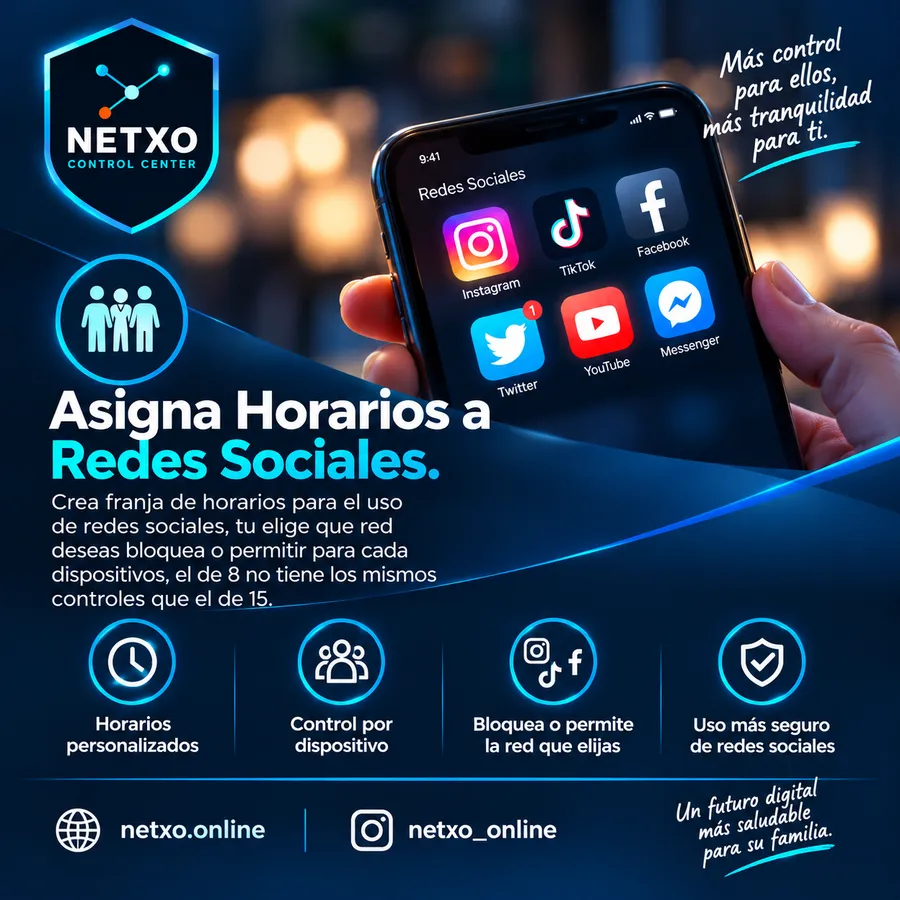
An 8-year-old doesn't need the same rules as a 15-year-old. Set different controls for each device.
Because every family is different, NETXO gives you tools to set limits, guide your children and build healthier digital habits.
NETXO turns complicated tasks into simple controls you can manage from any browser or from your phone.
Cut a device's access instantly, or let it browse again whenever you decide.
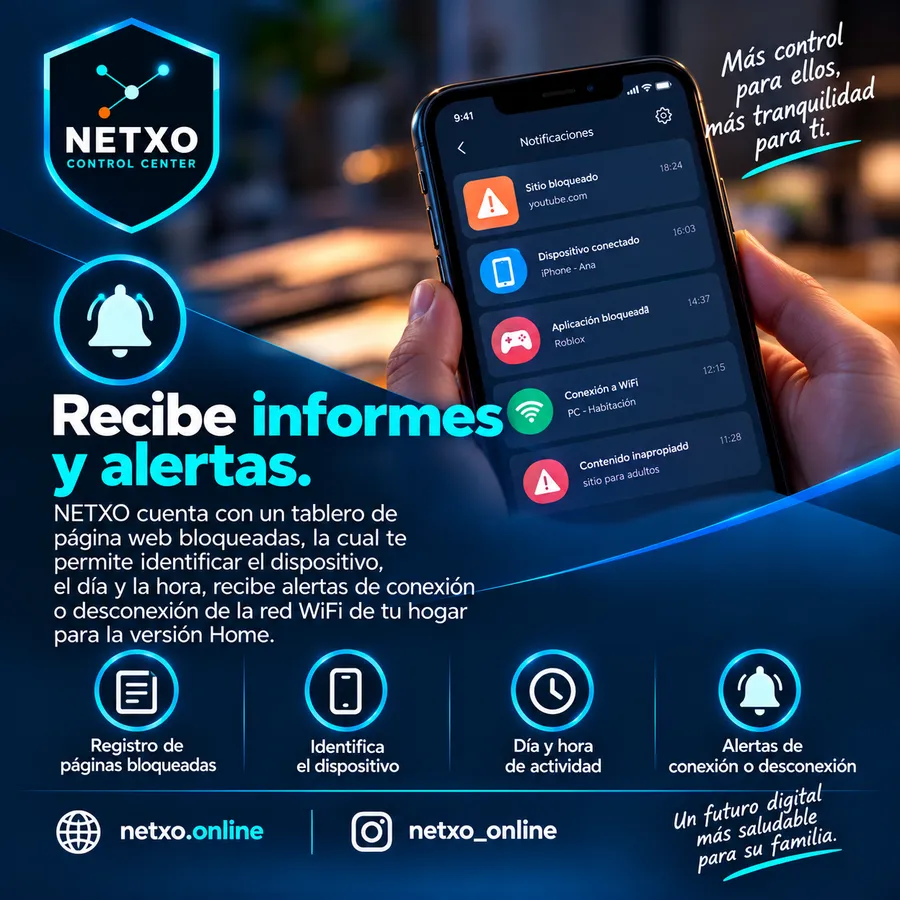
Check connected, disconnected and blocked devices, along with a visual map of your network.
Decide network by network: block it, allow it or give it a usage schedule, setting the days and times your children can use it. Each device can have its own rules.
Manage the most popular platforms and games: block them, allow them or give them a usage schedule, setting the days and play times for each device.
And other online gaming platforms and categories.
Decide which video platforms they can use and give them a schedule, setting the days and times of use on each device.
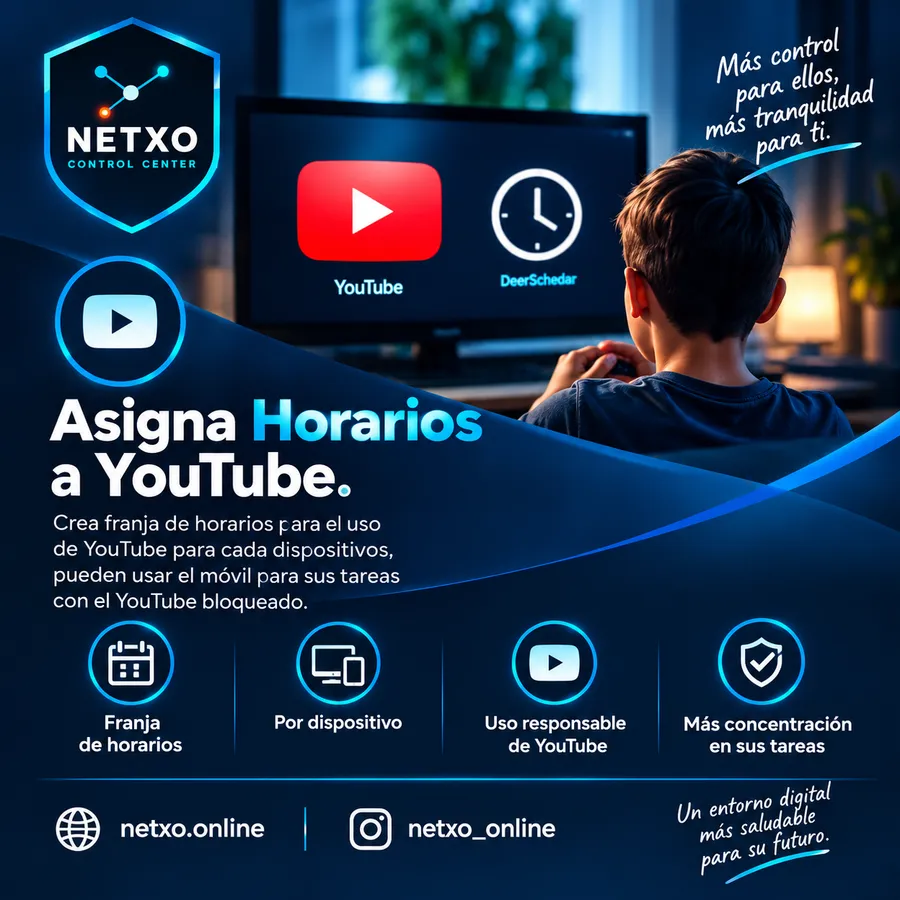
Manage YouTube separately: block it, allow it or give it a usage schedule, setting days and times. They can then use the phone for schoolwork with YouTube blocked.
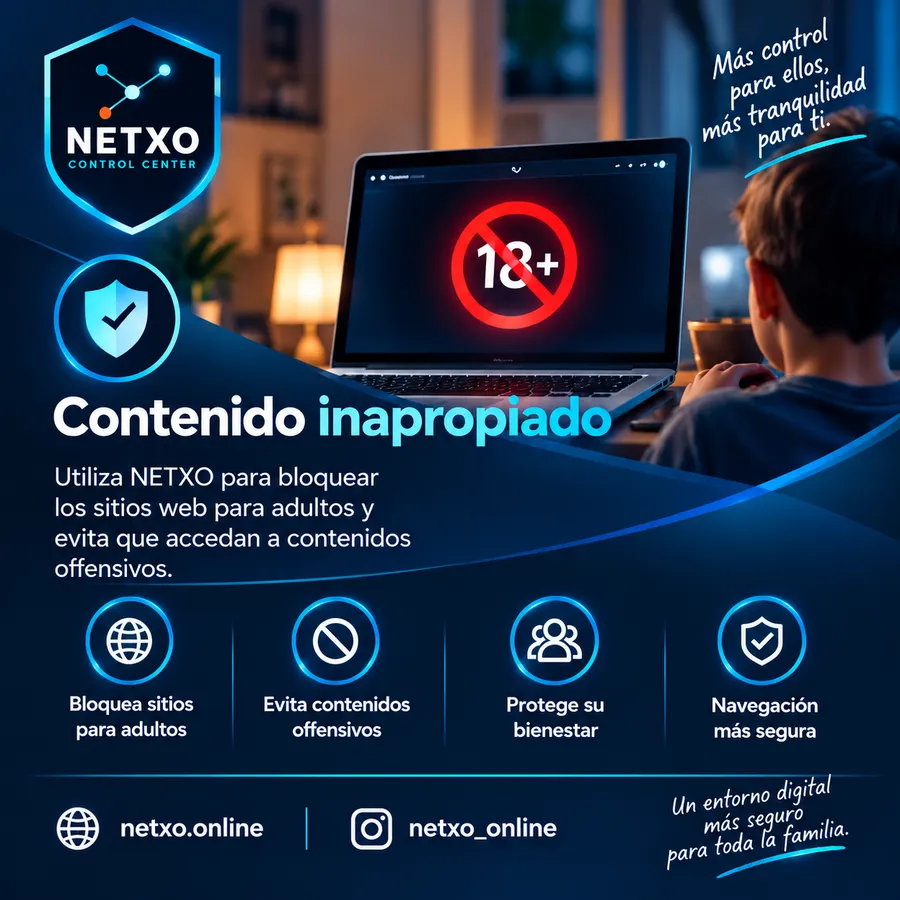
You don't have to block the internet completely: your children keep browsing and you decide which categories are restricted on each device. Available in both NETXO Mobile and NETXO Home.
Start with what you need and expand when your family or network requires it.
Control for your family's phones, even away from home.
NETXO Mobile's control applied to your entire home or office network.
Everything in NETXO Home, plus cybersecurity for your network.
| Feature | NETXO Mobile | NETXO Home | NETXO Enterprise |
|---|---|---|---|
| Included in all three plans | |||
| Block or allow the internet with one click | ✓ | ✓ | ✓ |
| Create browsing schedules | ✓ | ✓ | ✓ |
| Safe browsing | ✓ | ✓ | ✓ |
| Block, allow or schedule social media | ✓ | ✓ | ✓ |
| Block, allow or schedule online games | ✓ | ✓ | ✓ |
| Block, allow or schedule streaming platforms such as Netflix, Disney+ and others | ✓ | ✓ | ✓ |
| Block, allow or schedule YouTube | ✓ | ✓ | ✓ |
| Create specific controls for each device to suit each family's needs | ✓ | ✓ | ✓ |
| Keep browsing and using the phone for your activities, with the different filter categories blocked | ✓ | ✓ | ✓ |
| Network map | ✓ | ✓ | ✓ |
| Real-time notifications | ✓ | ✓ | ✓ |
| Log of blocked domains by category, with device, date and time of the block | ✓ | ✓ | ✓ |
| Centralized control panel | ✓ | ✓ | ✓ |
| Only in NETXO Mobile | |||
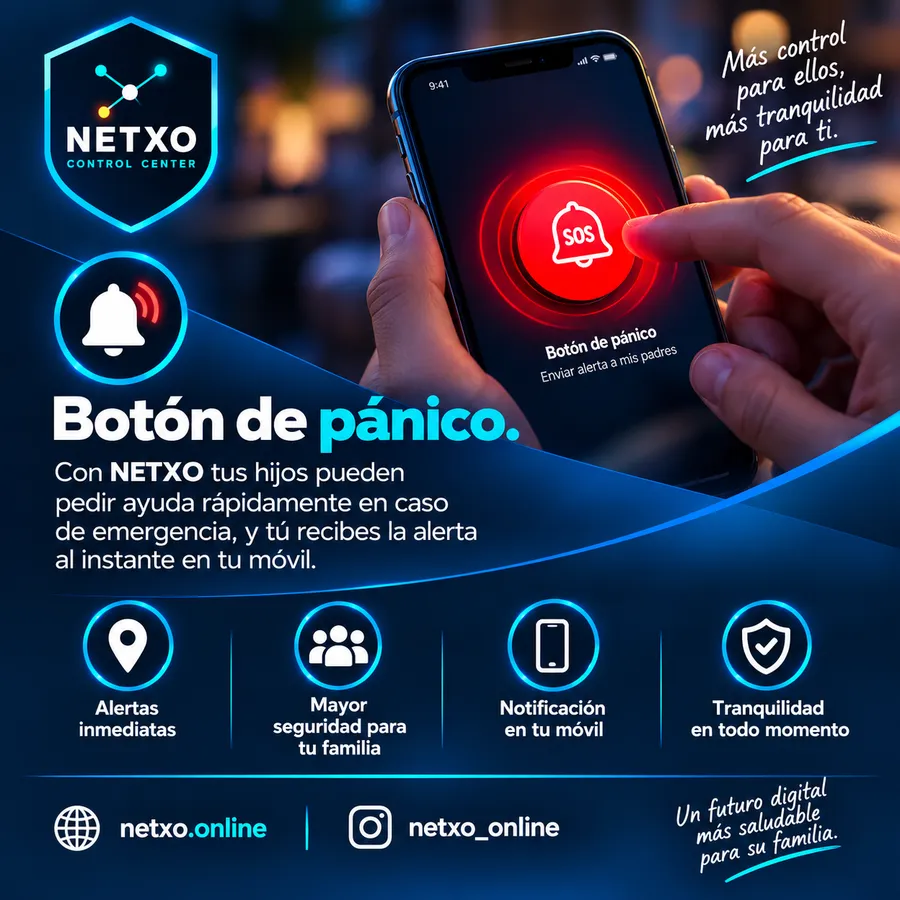
| Two-way panic button with three levels | ✓ | — | — |
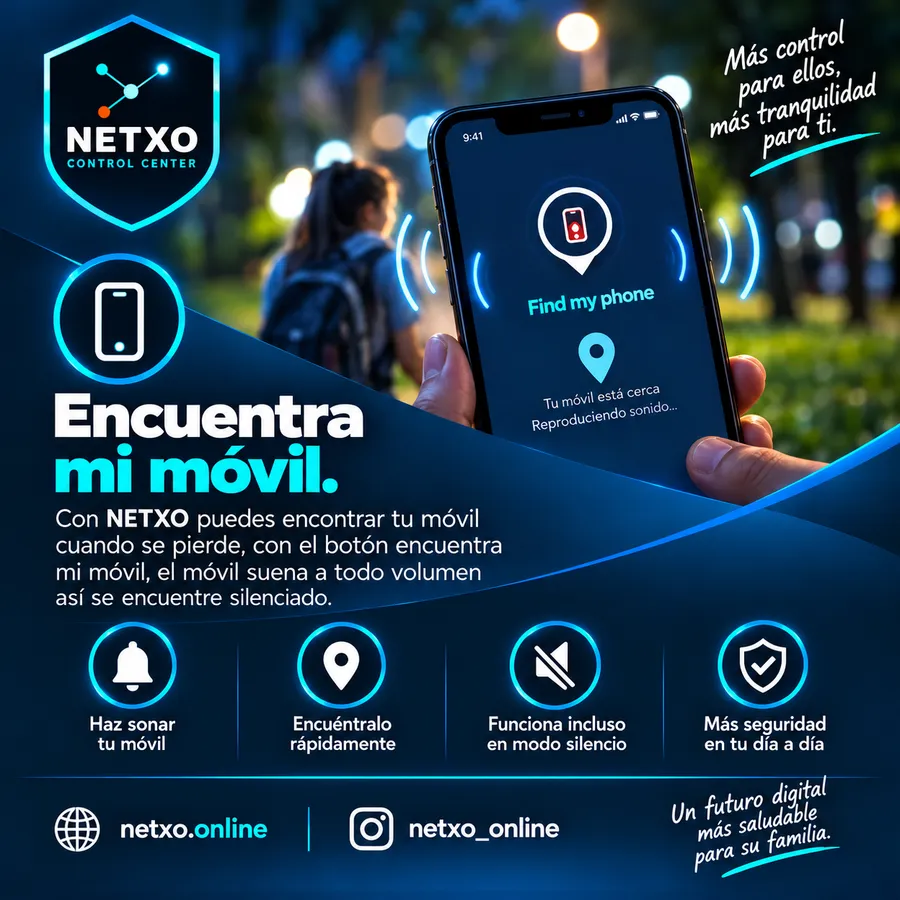
| Find my phone | ✓ | — | — |
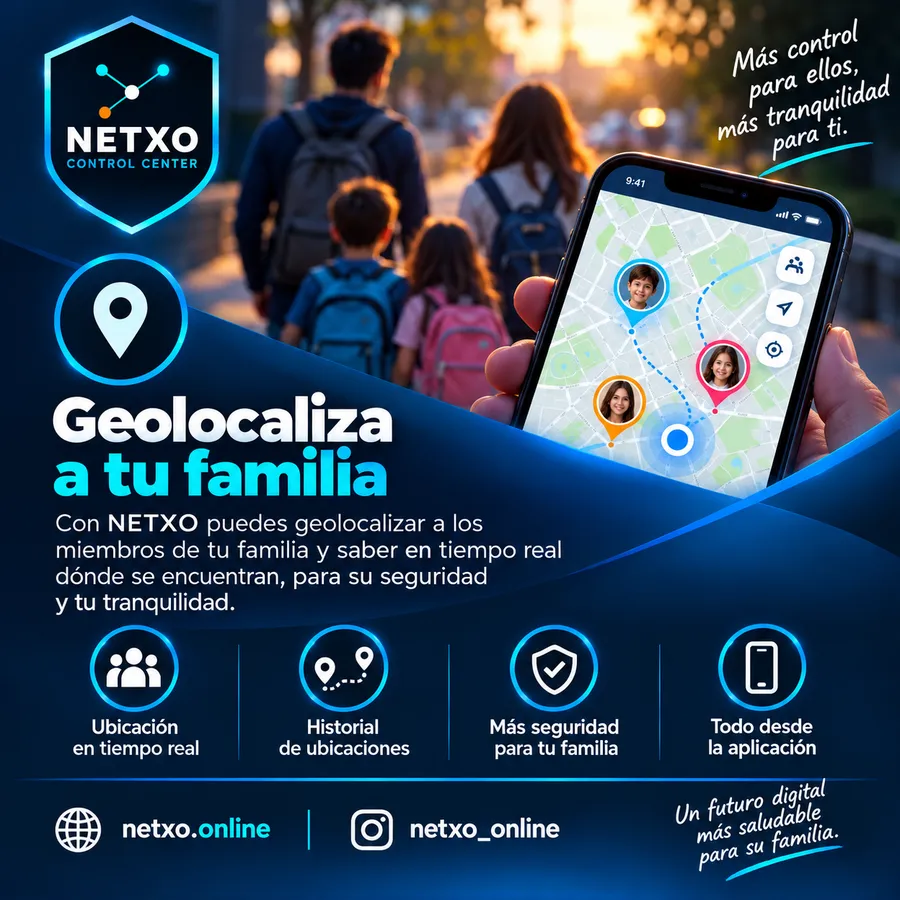
| Locate your family | ✓ | — | — |
| Works with mobile devices only, with no need for a NETXO router | ✓ | — | — |
| Added in NETXO Home and Enterprise | |||
| Extends control (allow, block or schedule browsing and content filtering) to every device connected to your home or office Wi-Fi or wired networkRequires a NETXO router | — | ✓ | ✓ |
| Added only in NETXO Enterprise | |||
| Cybersecurity section in your control panel | — | — | ✓ |
| Mitigates DoS attacks, port scans and blocks malicious IPs | — | — | ✓ |
| Protects you from cyberattacks from the outside network and from your internal network | — | — | ✓ |
| Over 50,000 malicious IP addresses, constantly updated, to prevent attacks before they happen | — | — | ✓ |
Home and Enterprise include NETXO Mobile's control features; the panic button, Find my phone and geolocation are exclusive to Mobile. Enterprise also adds cybersecurity.
Tap a question to see the answer.
NETXO has three plans:
With NETXO MOBILE you can block, allow and set usage schedules for mobile devices, whether they browse over Wi-Fi or mobile data.
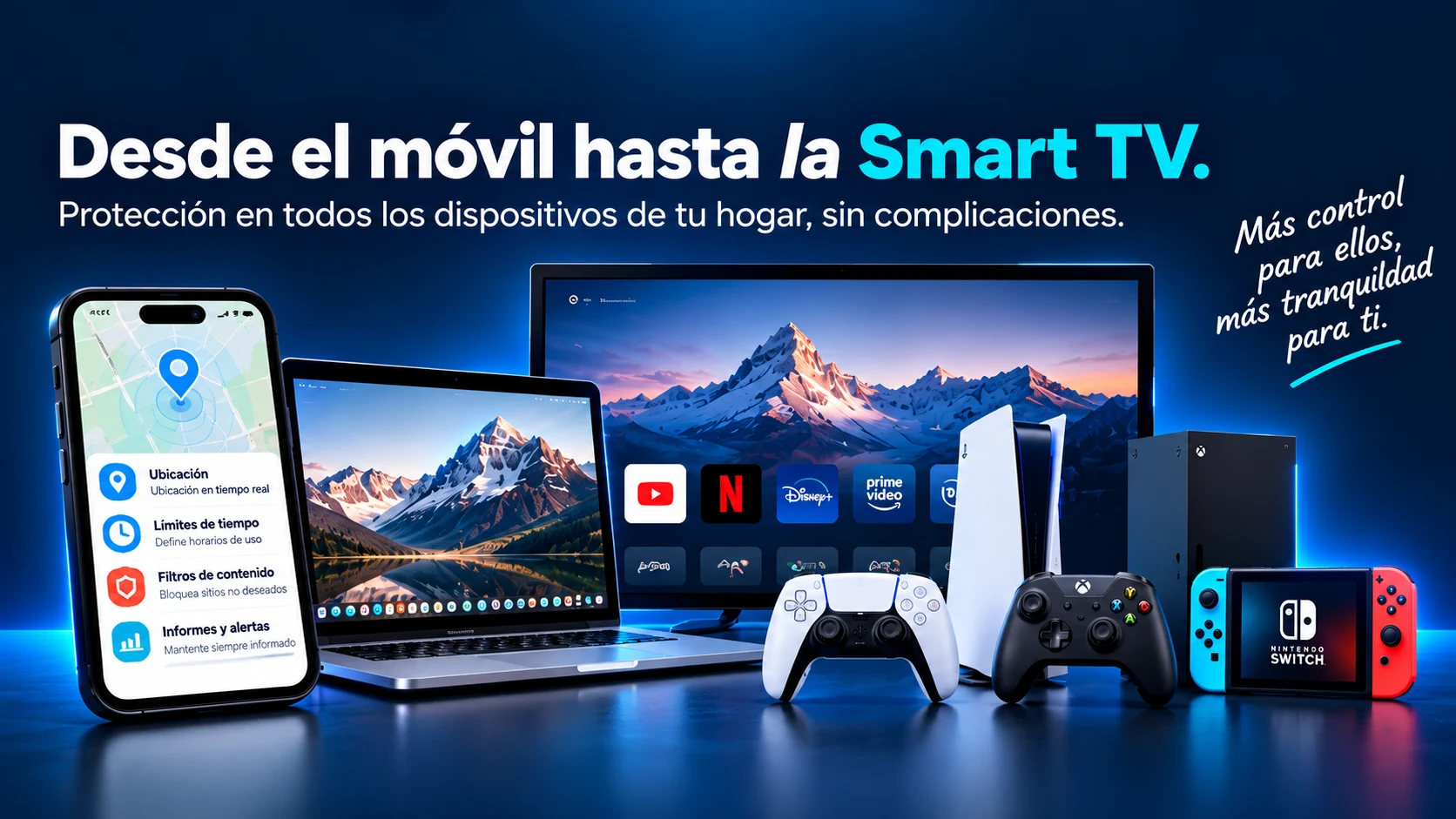
NETXO HOME is built to block, allow or schedule healthy browsing on any device that connects to the internet in your home, whether by Wi-Fi or cable. You can manage computers, phones, tablets, Smart TVs, game consoles, CCTV cameras, Alexa, Fire TV and any other device that connects to your home network.
IMPORTANT: you need to buy a NETXO router for this service.
NETXO ENTERPRISE has the same features as NETXO HOME and adds cybersecurity protection for your business.
Keep cybercriminals away from your data: protect it with NETXO ENTERPRISE.
NETXO is available on Play Store. We are currently working to make it available on the App Store.
If you use NETXO HOME, you don't need to install the app on the devices: it protects them from the router installed in your home.
If you use NETXO MOBILE, you do need to install the app on every device you want to manage.
Yes. You can apply different rules to each device according to each user's age and needs.
Yes. The panel is designed so you can manage your network and its controls from anywhere.
Start managing your digital world from one place.